 Keyslam
Press
Keyslam press kit
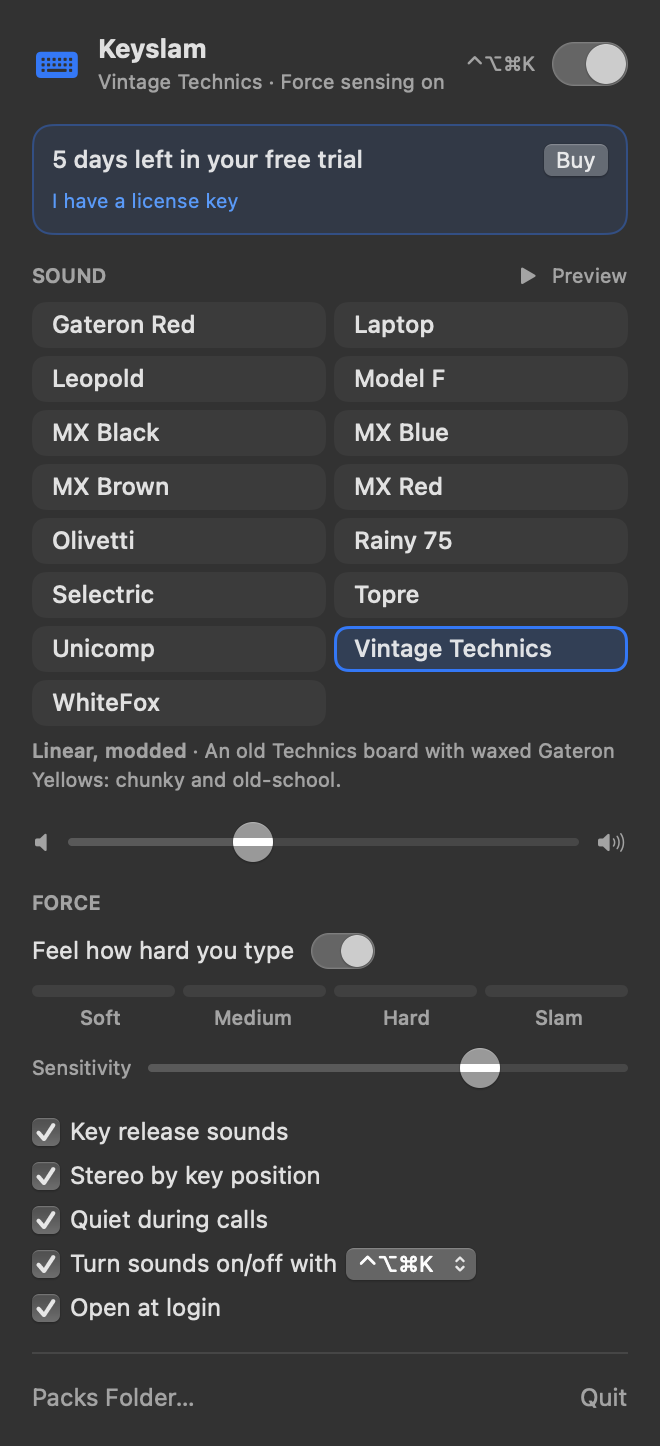
Everything you need to write about Keyslam: the facts, ready-to-use descriptions, a founder quote, the logo, screenshots and keycap art. All checked on November 2, 2026.
Updated
Short answer: Keyslam is a Mac menu-bar app that plays real keyboard and typewriter recordings as you type. On MacBooks with Apple's motion sensor, it feels how hard each key lands and picks real strikes to match. It costs $3.99 once after a 7-day free trial, and the app makes no network connections.
Fact sheet
| Fact | Detail |
|---|---|
| Name | Keyslam (one word). For clarity: “Keyslam, the Mac keyboard sound app” |
| What it is | A native macOS menu-bar app that plays real keyboard and typewriter recordings on every keystroke, in any app |
| Made by | Samson, Founder |
| Sold by | Venture Deals, Co., through Stripe Checkout |
| Status | Version 1.0.1, available to download; see the install steps and requirements |
| Price | $3.99 once: lifetime license, free updates, all current and future packs |
| Free trial | 7 days, everything unlocked, no account, no card |
| License | Personal; use it on all the Macs you own. Full refund within 14 days if it doesn't work for you |
| Requires | macOS 13 Ventura or later, Apple silicon or Intel; about 16 MB installed |
| Force sensing | MacBook Pro with M1 Pro or M1 Max and later; MacBook Air and MacBook Pro with M2 and later. About 800 sensor readings a second |
| Other Macs | Every sound works at a strength you pick: Intel Macs, desktops, the M1 MacBook Air and the 13-inch M1 MacBook Pro |
| Sounds | 15 packs: MX Blue, MX Brown, MX Red, MX Black, Gateron Red, Topre, Leopold, WhiteFox, Rainy 75, Unicomp, Model F, Vintage Technics, Laptop, Selectric, Olivetti |
| Recordings | Third-party CC0 recordings from Freesound, each credited by name |
| Audio | C real-time audio core, about 5 ms buffer; every pack leveled to -28 LUFS |
| Privacy | The app: no network connections, no analytics; Ed25519-signed license verified offline |
| Distribution | Direct download from keyslam.com, not the Mac App Store |
Source of truth for every number here: the app's code and our fact sheet, last verified November 2, 2026. Recordings are credited on the about page.
Boilerplate
Short (51 words)
Keyslam is a Mac menu-bar app that plays real keyboard and typewriter recordings as you type. On MacBooks with Apple's motion sensor, it feels how hard each key lands and picks real strikes to match. It costs $3.99 once after a 7-day free trial, and the app makes no network connections.
Long (104 words)
Keyslam is a native macOS menu-bar app that plays real keyboard and typewriter recordings as you type. Its 15 packs, from Cherry MX switches, an IBM Model F and a Topre HHKB to an IBM Selectric II, are each cut from one CC0 recording on Freesound and sorted into soft, medium, hard and slam bands of real strikes. On MacBooks with Apple's motion sensor, it reads the accelerometer about 800 times a second to match each keystroke; other Macs use a strength you pick. It runs on macOS 13 Ventura or later, costs $3.99 once after a 7-day trial, and makes no network connections.
Founder quote
“Every Keyslam pack starts as one real typing recording that someone shared on Freesound as CC0. We sort its strikes from the softest to the hardest, and on a MacBook with the motion sensor the app picks from those bands on every keystroke. It costs $3.99 once, and the app itself never connects to the internet.”
Samson, Founder, Keyslam
How to describe Keyslam accurately
- The sounds are real recordings: each pack is one typing take, with its real strikes sorted by natural loudness into soft, medium, hard and slam bands. Slam is the hardest ~8% of strikes in that take. Please don't describe the bands as separate sessions recorded at different strengths.
- Force sensing works on MacBooks with Apple's motion sensor. Other apps react to typing force too, so please don't call Keyslam the only one. On Macs without the sensor, users pick the strength.
- The recordings are third-party CC0 recordings from Freesound, credited to the people who made them.
- Availability: the download is live.
- Privacy: the app makes no network connections and has no analytics. Buying happens in the browser through Stripe.
How the bands are made, step by step: About Keyslam. What is in each version: release notes.
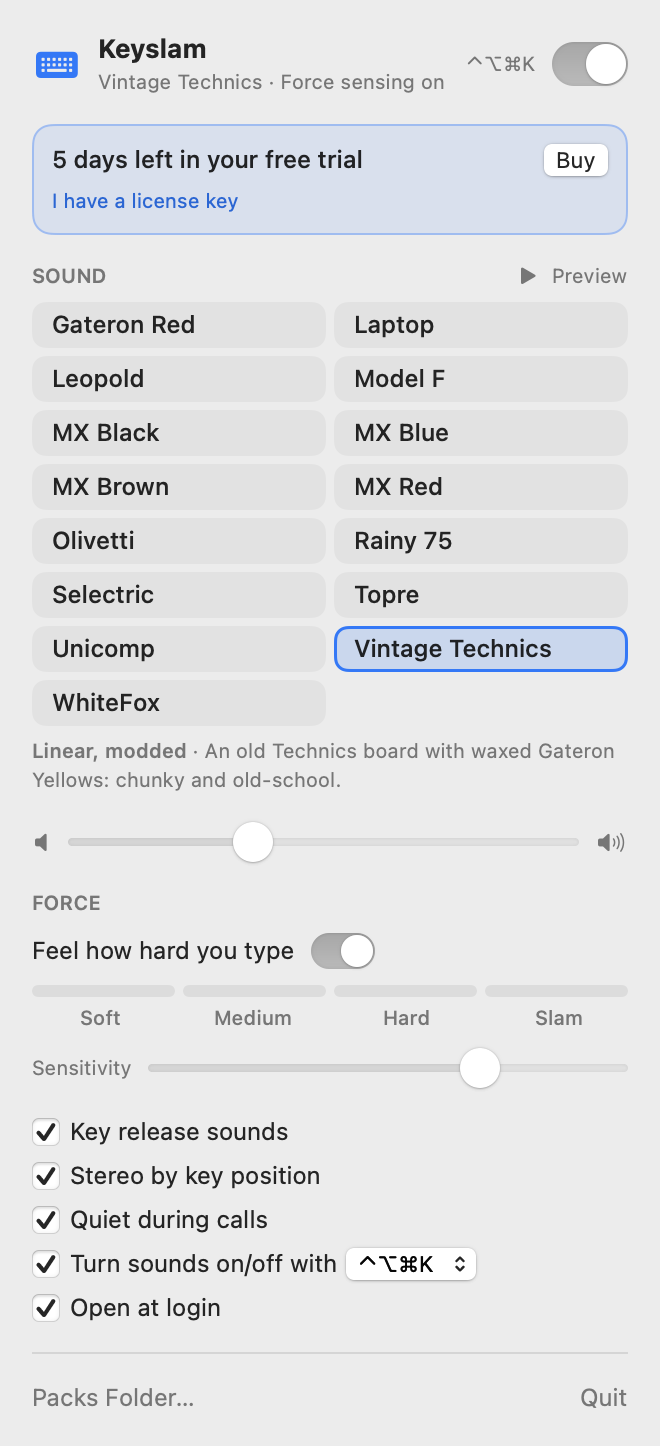
Logo and screenshots
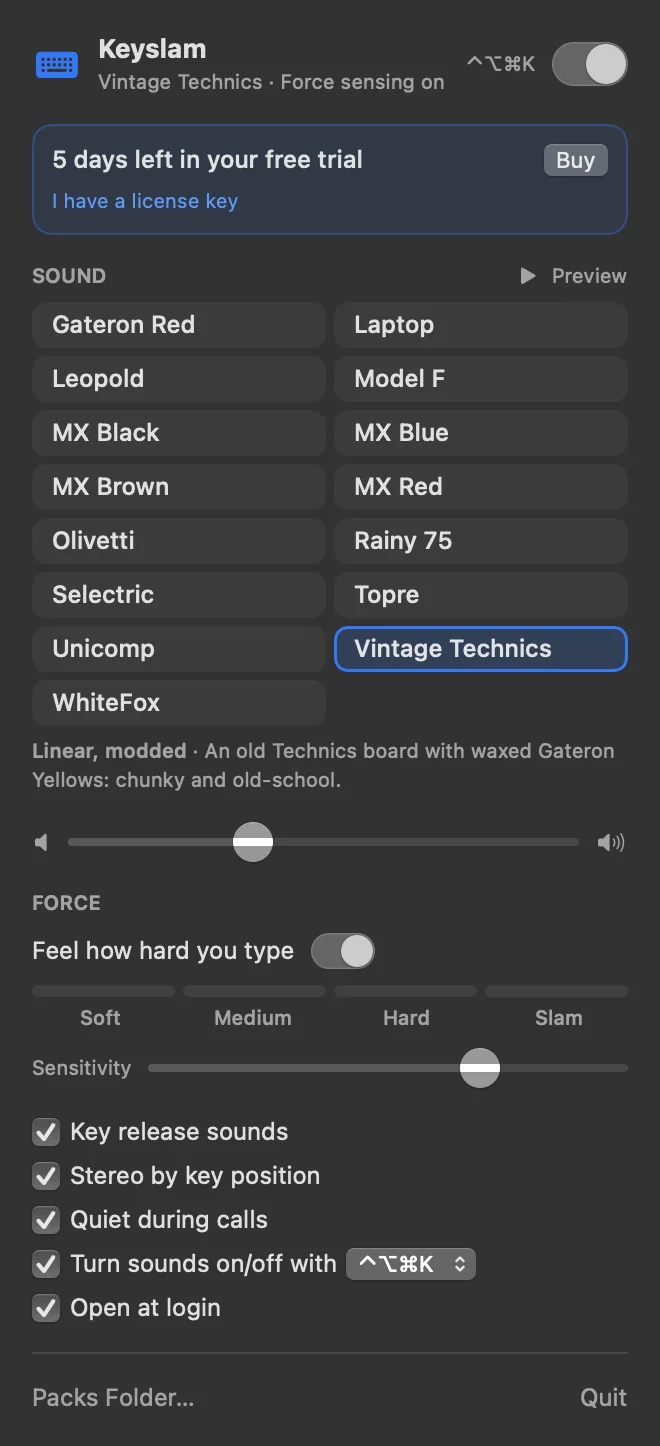
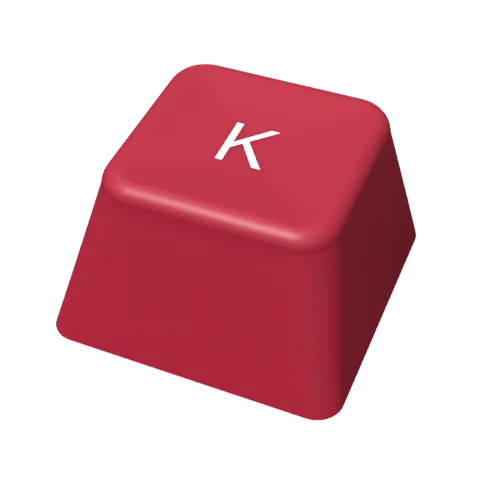
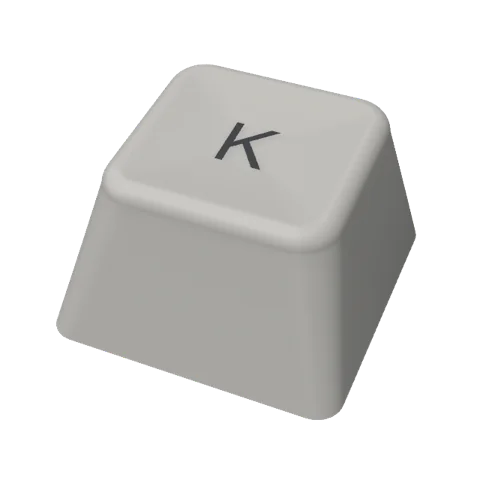
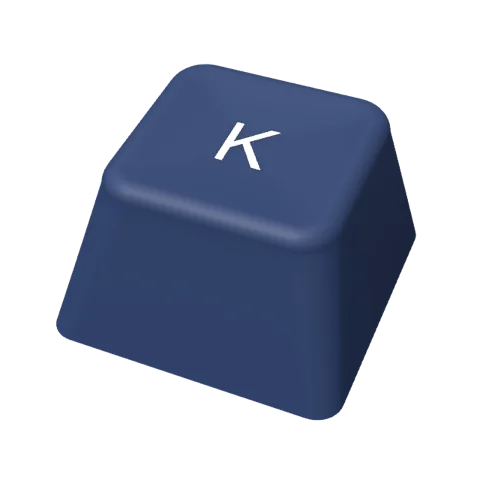
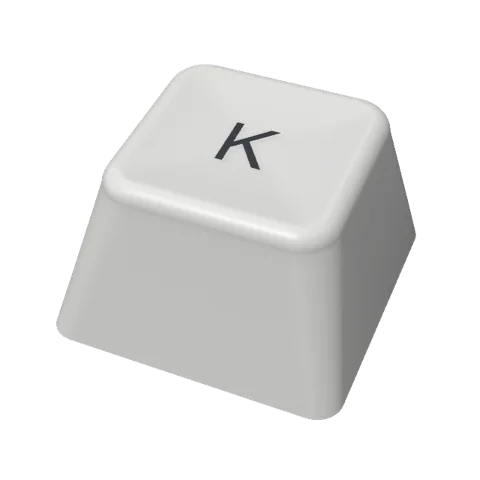
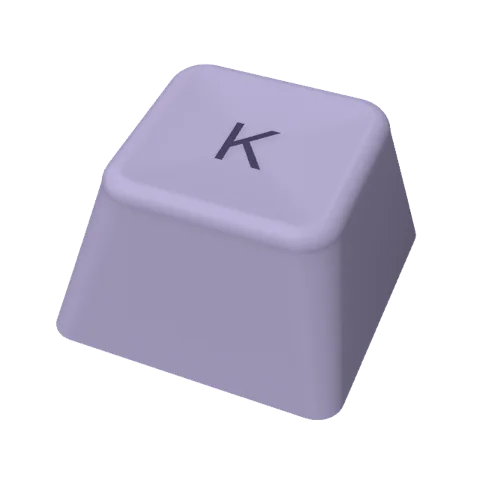
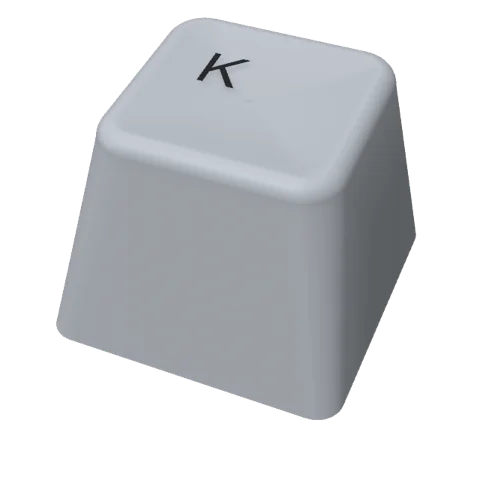
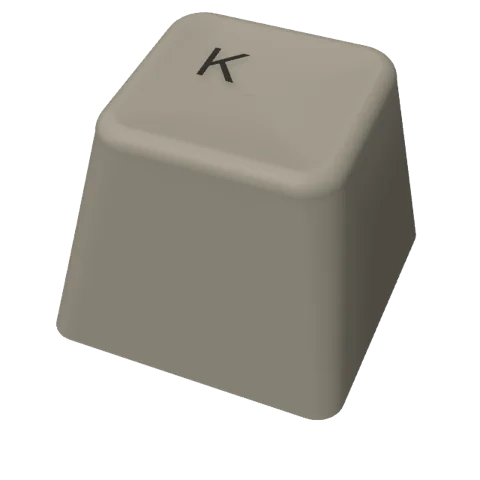
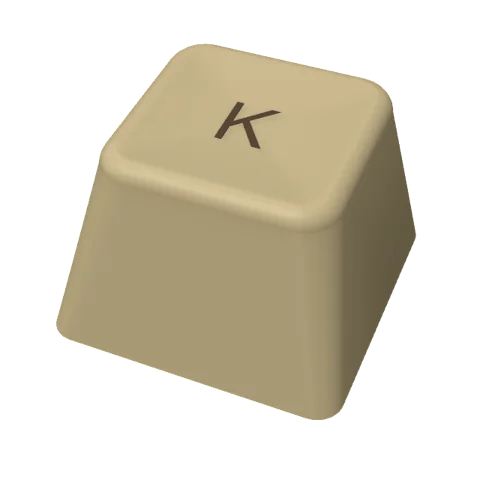
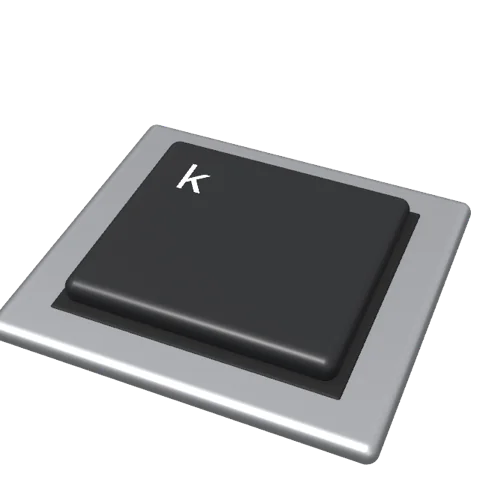
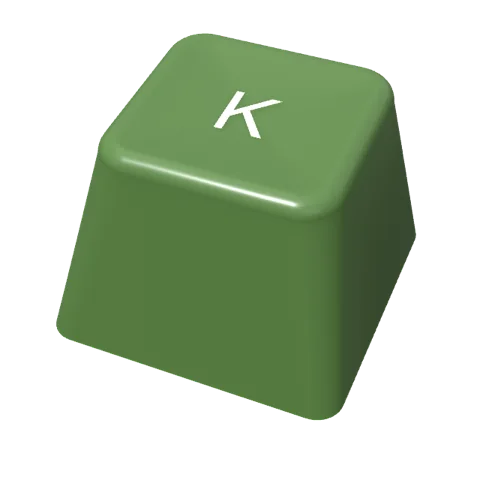
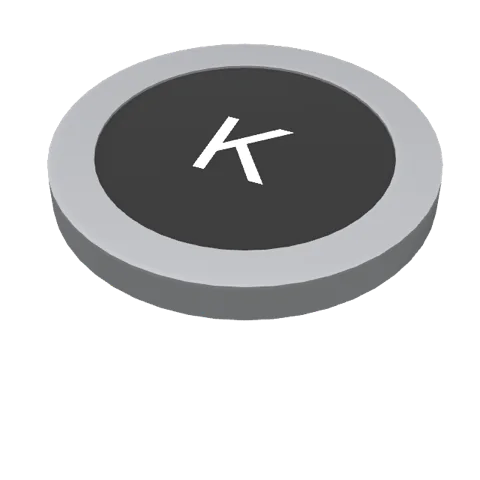
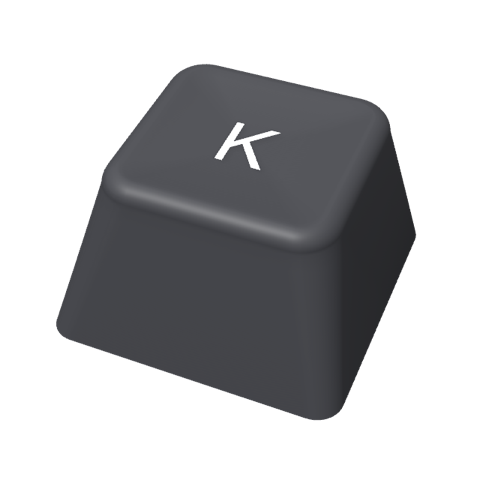
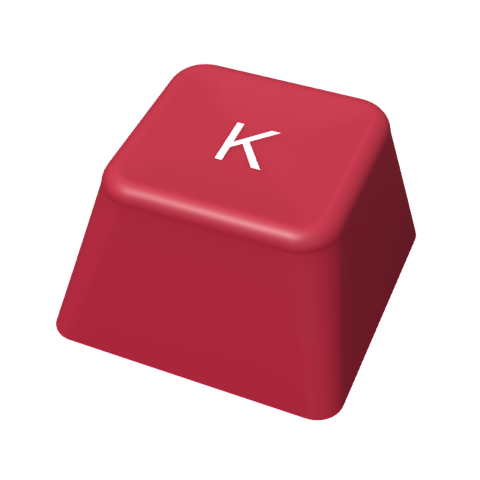
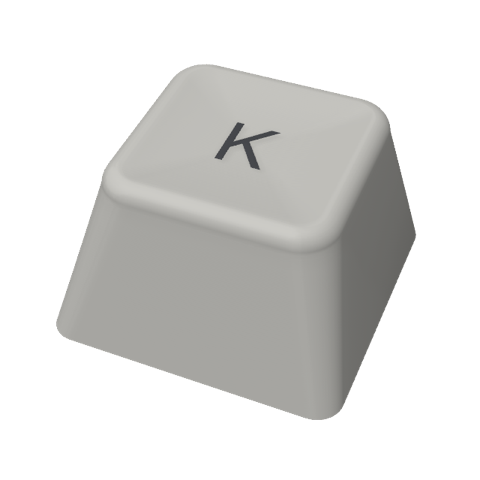
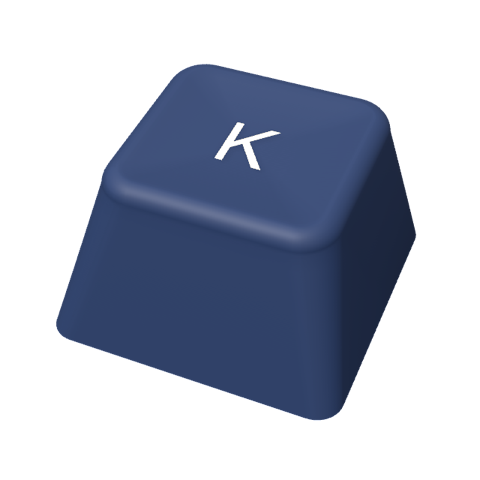
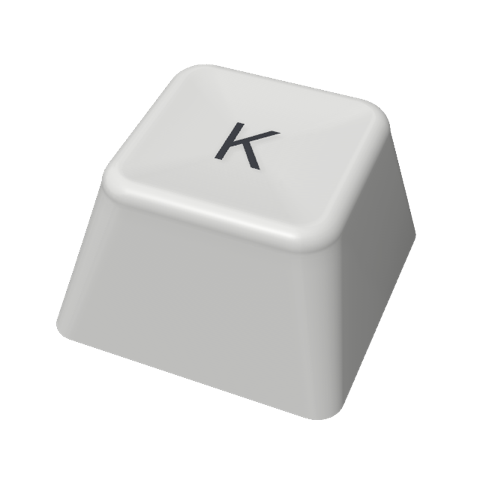
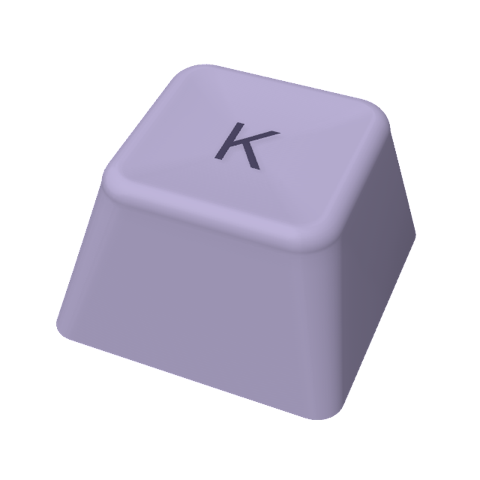
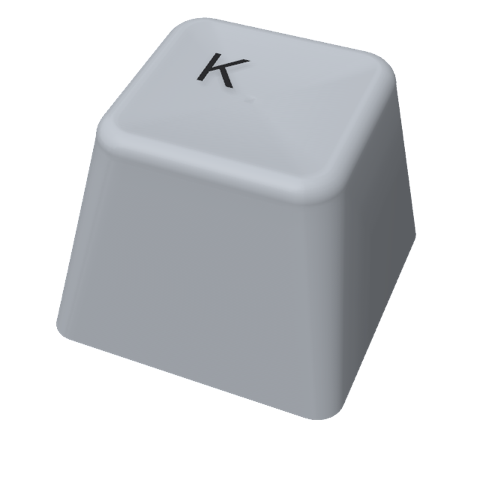
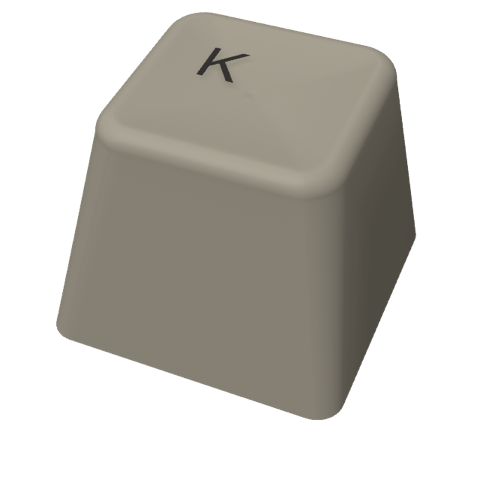
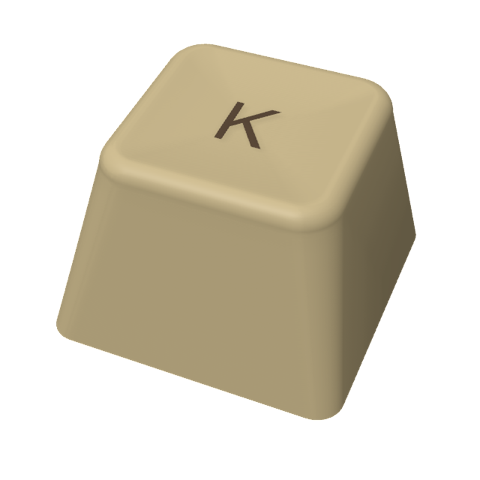
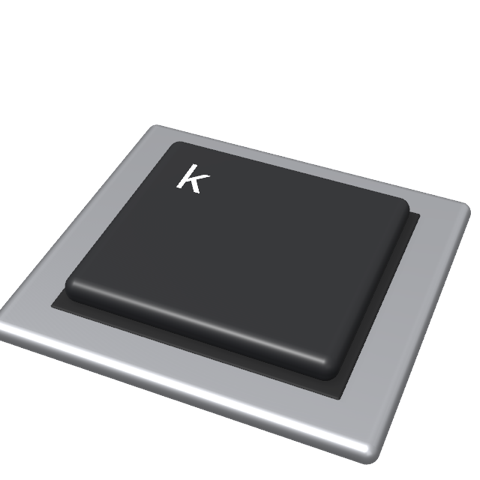
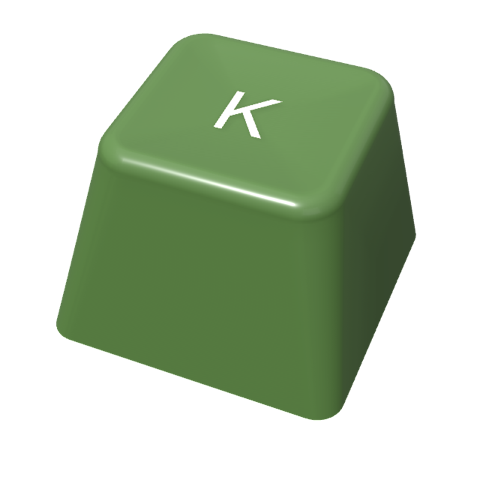
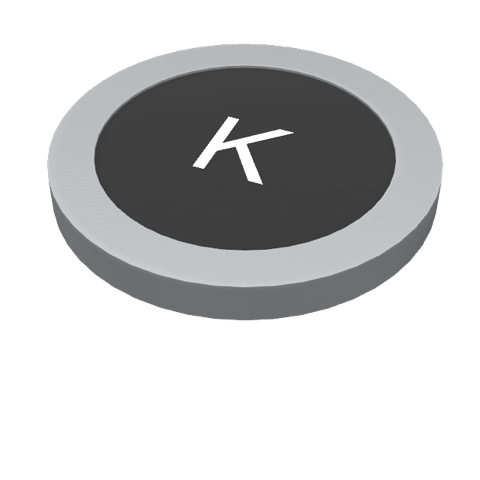
Keycap art for each pack
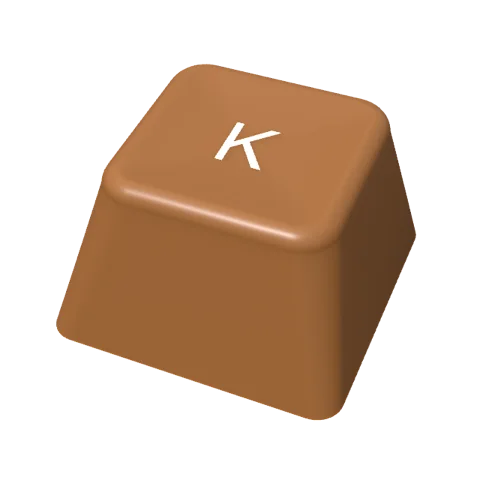
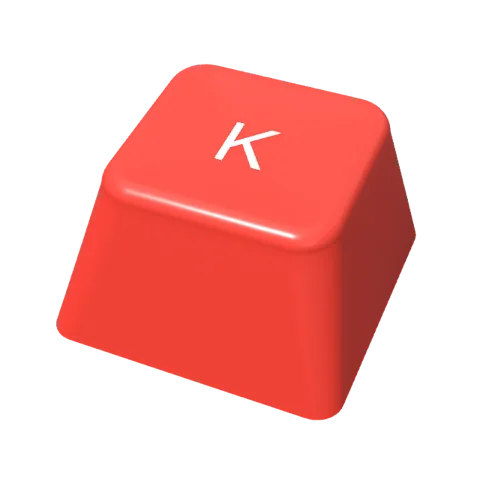
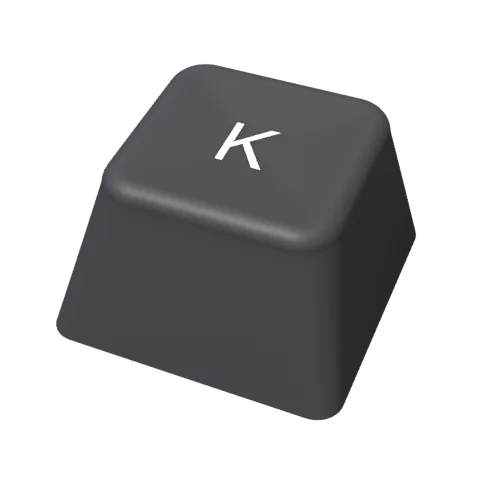
One 480 × 480 render per pack, with a transparent background, as PNG or WebP. The buttons below play three of the boards.




















Press questions
Can I get a review license?
Yes. Write to us through the contact form, choose “Press or creator”, and say where the review or video will appear.
Can I use these images in my coverage?
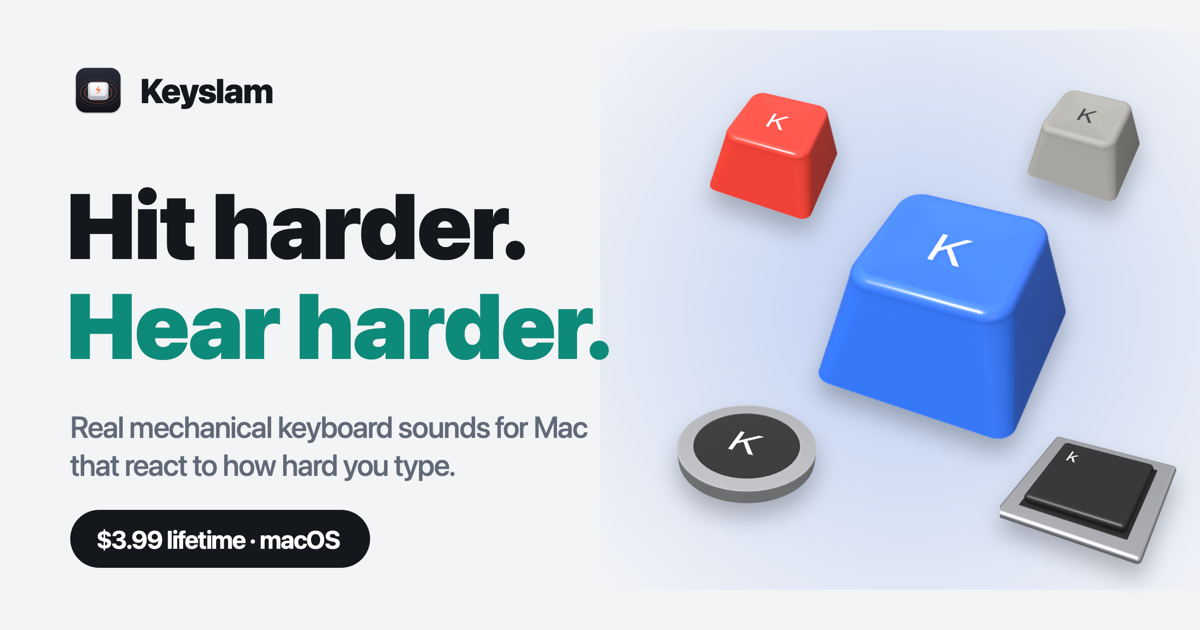
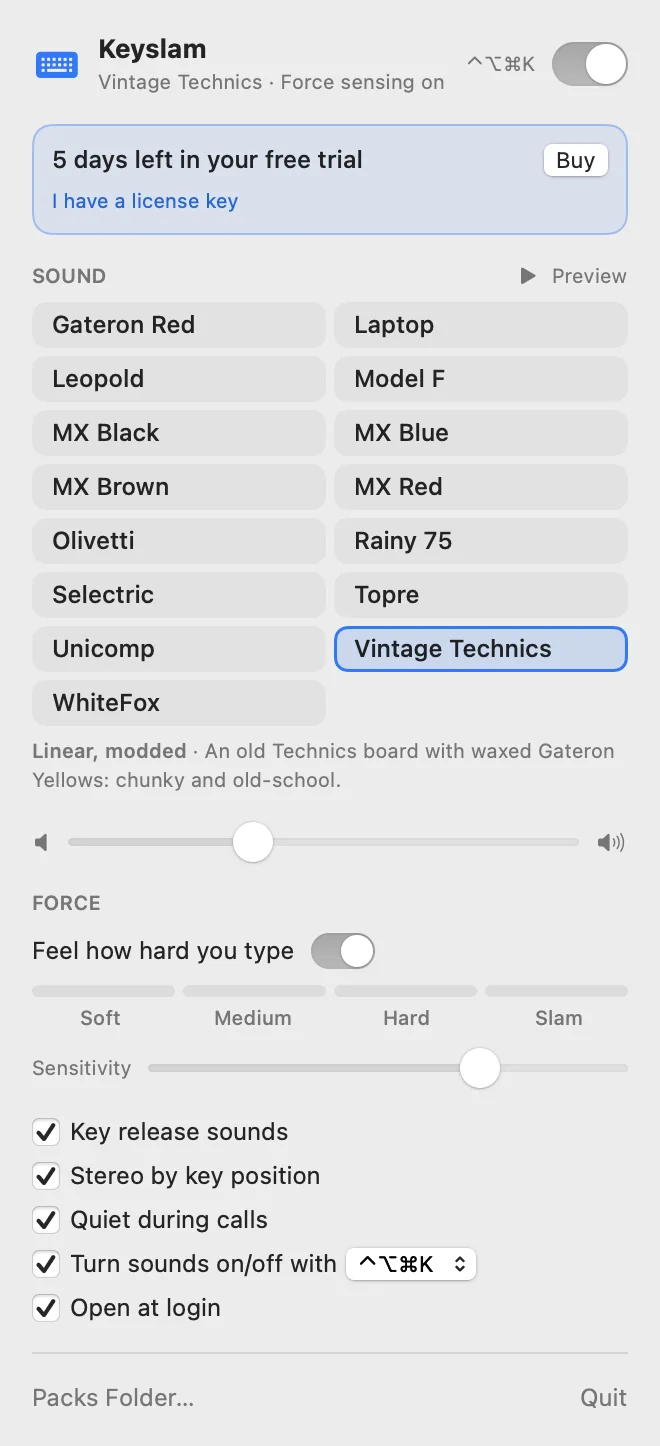
Yes. The icon, social card, screenshots and keycap renders on this page are for articles, reviews and videos about Keyslam. Please don't alter the icon.
How should I write the name?
Keyslam: one word, capital K only. On first mention, “Keyslam, the Mac keyboard sound app” keeps it apart from unrelated projects with similar names.